
Why Do My Images Look Different?
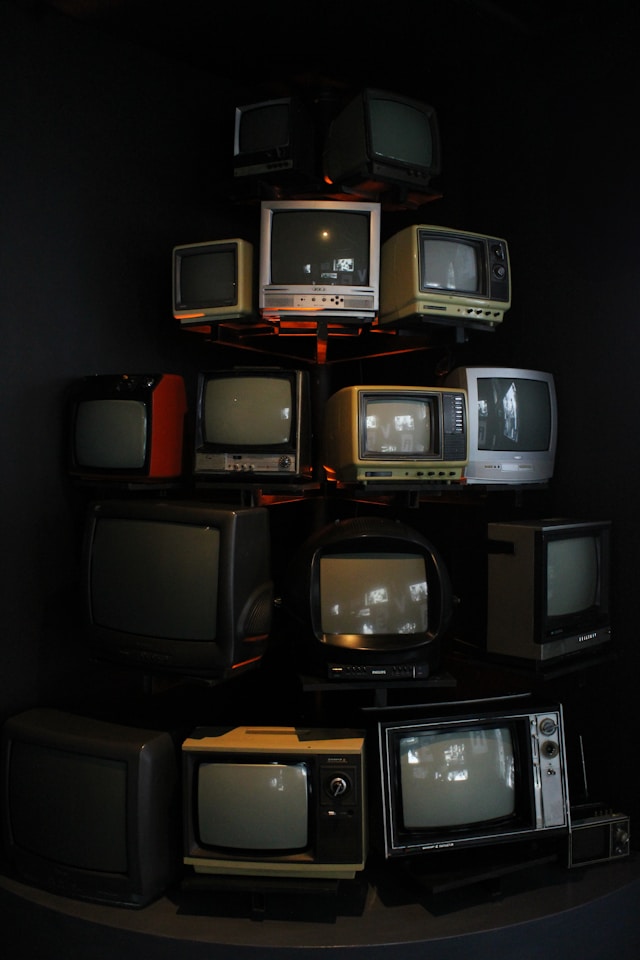
Perhaps like me, you’ve stood in front of a television display in a shop working out which of the televisions you wish to purchase. Often, the televisions display the same content, yet the images look different from one television to another, with differences in detail, colour saturation and vibrancy, and tonal contrast. Modern screens are generally LED or OLED (with further sub-types); older displays include CRT (Cathode Ray Tube) and Plasma. These displays will all look different.
The settings on each individual television also determine how an image looks. On my large Sony TV, I can adjust brightness, colour, and hue, as well as select a preset profile such as vivid, cinema, or sports. The same content looks different as the settings are adjusted. The lighting in the room also impacts how pictures look: for example, a screen under bright sunlight looks different to a screen in a darkened room.
When viewing photographic images, your device, the device settings, and the environment will affect how the image looks.
Different formats may also be rendered differently: common formats are JPEG/JPG, PNG and TIFF. Furthermore, image formats can have different colour spaces such as sRGB, ProPhoto RGB and CMYK. Changing image formats, reducing an image size and moving images between different device types (for example, a Windows PC to an Apple iPad) can result in loss of quality.
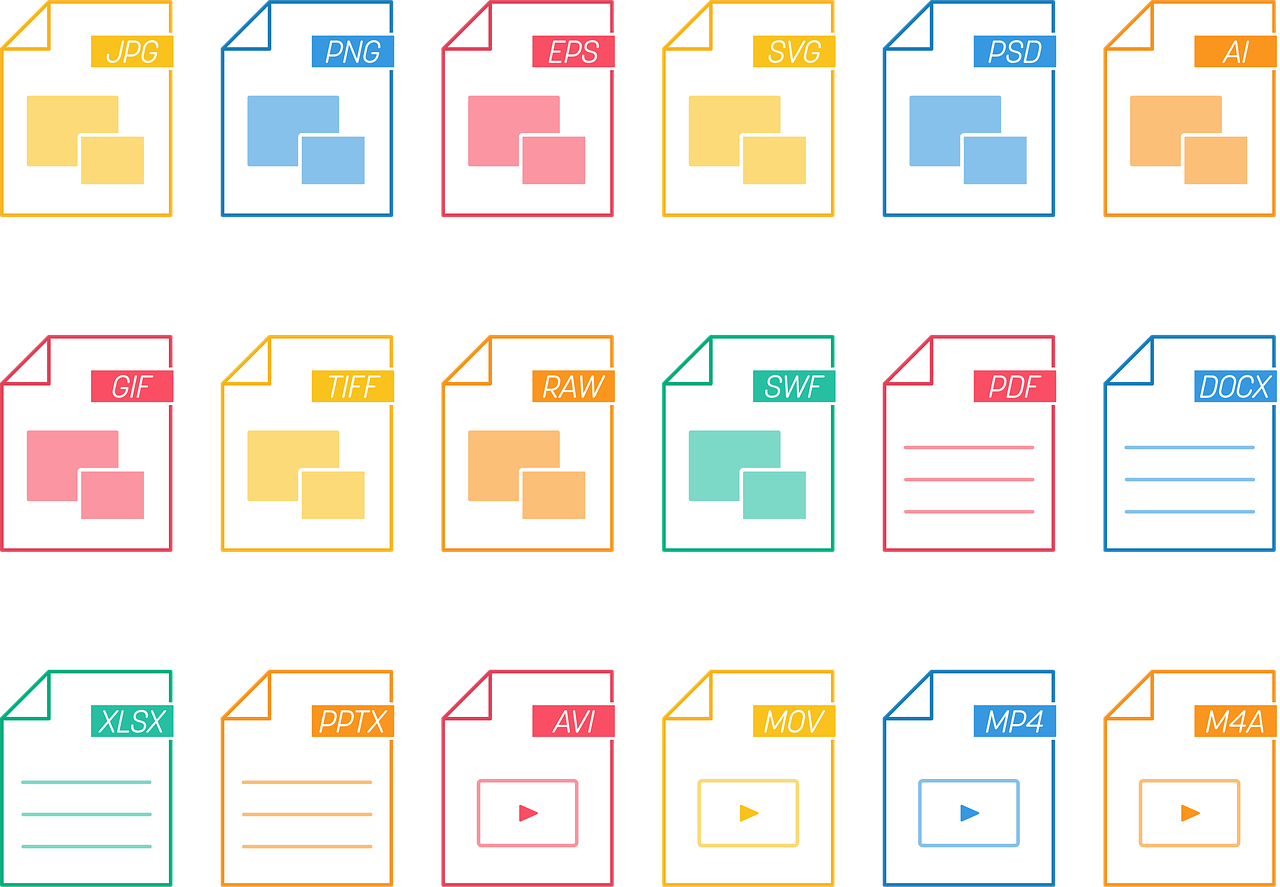
For example, I export a high-quality image to a client with a size of 22MB. The client downloads it to their personal computer running Microsoft Windows. They then import the photo into their own image software, which changes the format. They then export the image to a third format, but reduce the quality to 400kB. Finally, they send the image to their iPhone. When comparing the image, they notice that details have vanished; their face looks significantly smoother (which they may like) and as if it has been heavily photoshopped (which it hadn’t been). Each change of format has resulted in loss of quality, and the final image size is a fraction of the original (in this case less than 2%).
There’s nothing wrong with exporting and changing image formats and sizes, but people need to be aware of the limitations and compromises, especially if they wish to show off an image at its best.
As a general rule, to see an image at its best:
- View the original image file
- View it on a high-quality screen
When processing images, we use high-end monitors which we regularly calibrate.
When delivering images, we give two options: a high-definition file (the original) and a social media-sized file already resized and formatted, ready for uploading. The latter is a resized version of the former, so it reduces quality, but it works because the original file gives the best quality for the resized version.
When it comes to printing images, there are similar concepts: you can use different printing methods, different inks and different photographic paper. To get the best results:
- Use the original image file for exporting to the image format used by the printer (or ask the printer to convert it)
- Use a quality printing service
- Select a premium photographic paper
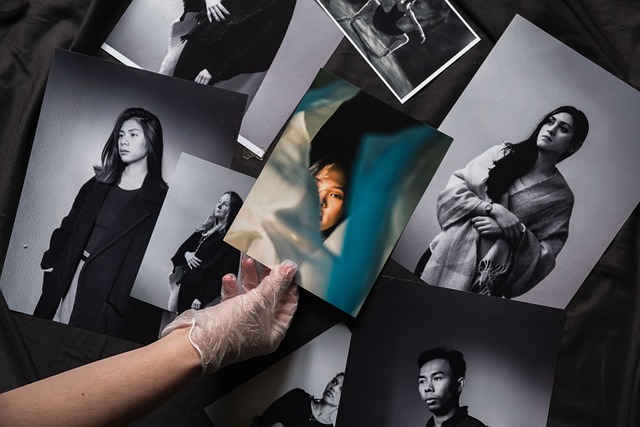
The adage that ‘you get what you pay for’ is very true in this context.
We don’t print in-house; instead, we use quality photographic printers. If you want the best results, ask us to print the image for you: we’ll work with our printers to get you the best results.